Building fitness apps that track movement accurately is tough. You’re juggling camera permissions, real-time processing, UI feedback, data persistence—and that’s before you even touch the computer vision part.
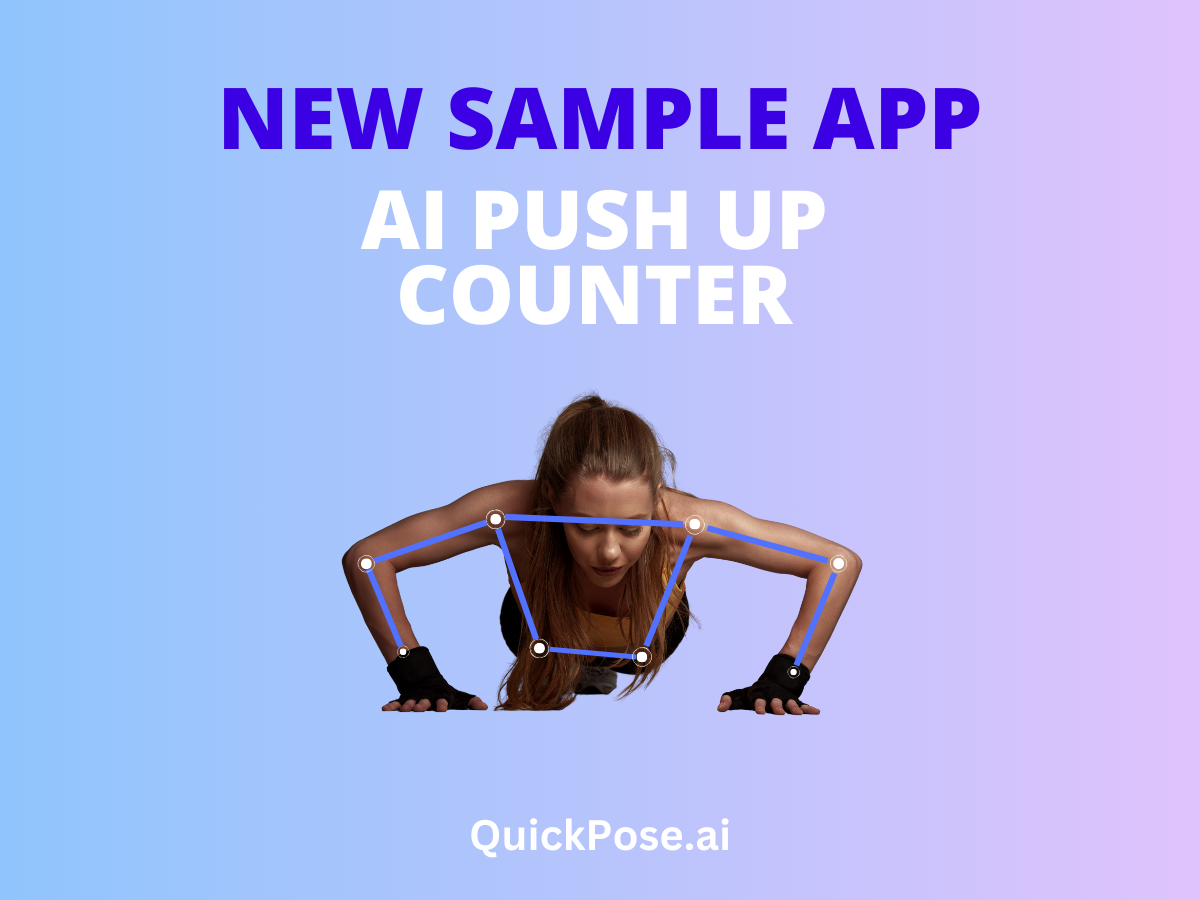
We just released a new sample app that handles all of it. The AI PushUp Rep Counter is a complete iOS demo showing how to build a production-ready fitness tracker using the QuickPose SDK. It’s not a minimal example—it’s a fully functional app you can actually ship (or at least learn a lot from).
What’s Inside
This is a complete SwiftUI application with everything you’d expect in a real fitness app. Two workout modes: target reps or timed challenges. Real-time pose detection with skeleton overlay. Automatic rep counting with form validation. A positioning guide that helps users frame themselves properly. Workout history with Core Data persistence.
The kind of stuff that takes weeks to figure out on your own? It’s already there.
You get a 3-second countdown before workouts start (because nobody’s ready immediately), swipe-to-delete for workout history, detailed summaries showing reps, duration, and average time per rep. These polish details matter—they’re what separate a demo from something people actually want to use.
Getting Started Takes Minutes
Requirements are straightforward: iOS 18.0+, Xcode 26.2+, and a free QuickPose SDK key from dev.quickpose.ai. Clone the repo, drop your key into QuickPoseConfig.swift, and you’re running.
No dependency managers to fight with. No configuration rabbit holes. Camera permissions are already set up in the project—we handle the NSCameraUsageDescription for you.
One thing to remember: SDK keys get tied to your bundle ID. The sample uses ai.quickpose.PushUpCounterDemo, so if you’re planning to build something from this, you’ll want to generate a key for your own bundle ID early on.
How QuickPose Integration Works
The heavy lifting happens in just a few lines. Here’s what the QuickPose SDK handles for you:
.overlay(.upperBody) gives you the skeleton visualisation—that full-body wireframe users see during workouts. .fitness(.pushUps) detects push-ups and counts reps automatically. Behind the scenes, QuickPoseThresholdCounter manages the counting logic so you don’t have to build state machines for exercise detection.
The app follows MVVM architecture with clean separation. WorkoutViewModel manages workout state and QuickPose integration. Views stay declarative with SwiftUI. Core Data handles persistence. AVFoundation deals with camera access.
Your Core Data model is simple: each WorkoutSession stores timestamp, mode (reps or time), target value, completed reps, and duration. There’s even an optional averageFormScore field if you want to extend tracking capabilities.
Why We Built This
Sample code usually falls into two camps—too simple to be useful, or so complex you can’t figure out what’s actually relevant. We aimed for the middle: realistic enough to show how pose estimation works in a real app, but clean enough that you can understand the architecture in an afternoon.
If you’re building personal training apps, physical therapy tools, or anything in the fitness tech space, this shows you the patterns that work. Not theoretical examples—actual app structure you might ship.
The architecture decisions here? They’re the ones we’ve seen work across hundreds of QuickPose implementations. Separating camera handling from workout logic. Managing state transitions cleanly. Providing visual feedback that actually helps users position themselves correctly.
What Developers Are Doing With It
Some folks fork it and customise the workout types—they’ll swap push-ups for squats or planks, maybe add multiple exercise types in one session. Others use it as a reference while building something completely different—the Core Data setup or the countdown timer logic gets borrowed for unrelated projects.
That’s fine. That’s the point, honestly. Take what’s useful.
Try It Yourself
Clone it. Run it. Do a few push-ups in front of your phone—even terrible form gets counted (we’ve tested this extensively with our own terrible form).
Sometimes the best way to understand what’s possible with pose estimation is to see it working in real-time on your own device. You’ll immediately get ideas for what you could build, where the limitations are, what kind of UX patterns make sense.
The repo’s at github.com/quickpose/AI-PushUp-Rep-Counter-Demo-iOS-by-QuickPose. Everything you need is in the README—setup instructions, architecture overview, the works.
Go break something. Then fix it. That’s how you learn this stuff anyway.